Many Shopify store owners struggle when customers hesitate to pay the full amount upfront. This problem is common for high-value products, rentals, event bookings, customized orders, and service-based businesses. To solve this issue, merchants increasingly use Shopify partial payment systems that allow customers to pay a portion first and complete the remaining payment later.
Although Shopify does not provide a built-in option for partial payments, there are multiple reliable methods available today. Using the right approach helps improve conversions, increases trust, and gives customers flexibility while purchasing online.
In this guide, we will explain Shopify partial payment online, its limitations, available methods, best apps, and how to collect deposits or split payments correctly.
What Is Shopify Partial Payment?
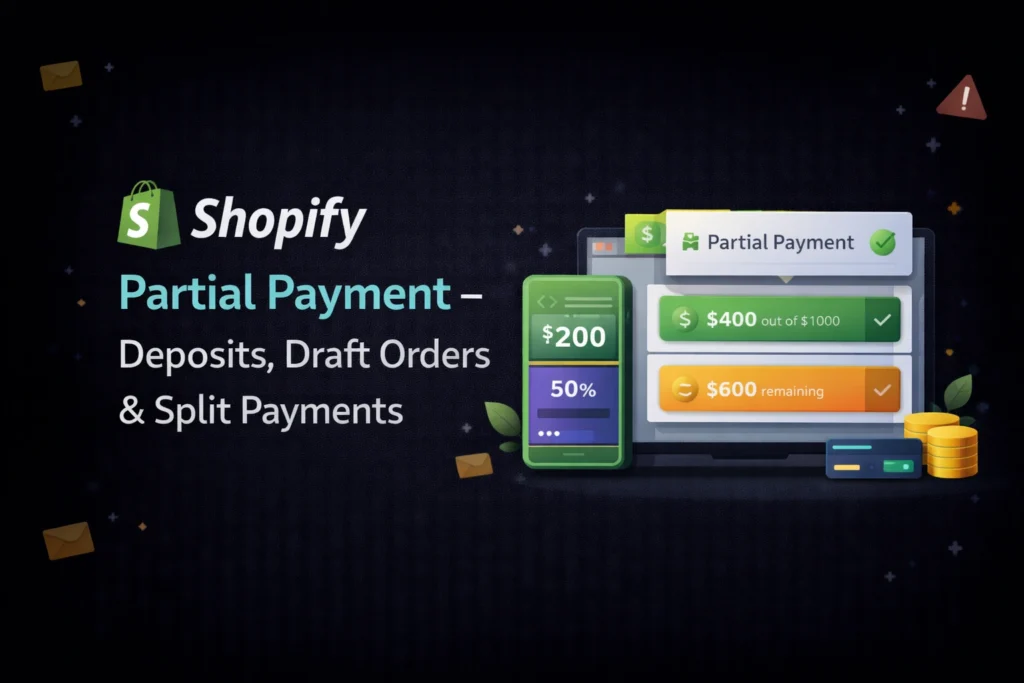
Shopify partial payment means collecting only part of the total order value at checkout. Instead of charging the entire amount, customers pay a deposit or advance and clear the balance later.
For example, if a product costs ₹15,000, a customer may pay ₹3,000 initially and the remaining ₹12,000 at a later stage. This model works especially well for businesses where delivery, confirmation, or service happens after purchase.
Partial payments are commonly used for:
- Rental products
- Event or ticket bookings
- Custom-made items
- Pre-orders
- High-priced electronics or furniture
Because customers feel less financial pressure, this payment method often results in higher checkout completion.
Shopify Partial Payment Limit You Must Know
Before implementing partial payments, it is important to understand the Shopify partial payment limit.
Shopify’s default checkout does not support split payments. There is no native option that allows customers to “pay remaining later” after checkout. This restriction exists because Shopify protects checkout security and payment gateway flow.
Due to this limitation, merchants must use draft orders or third-party partial payment Shopify apps to enable deposit or split payments.
This topic is frequently discussed in Shopify partial payment Reddit communities, where experienced store owners confirm that apps or draft orders are the only practical solutions.
Types of Partial Payment in Shopify
Shopify partial payment can be implemented in two major ways. Each method serves a different business need.
1. Partial Payment on Total Order Amount (Cart Page)
In this method, partial payment applies to the full cart value instead of individual products. Customers pay a portion of the total order amount.
However, Shopify does not allow partial payment directly on the cart or checkout page. Because of this, the most stable solution is using Shopify draft order partial payment.
How Draft Order Partial Payment Works
The store owner manually creates a draft order from the Shopify admin and sends an invoice to the customer for a partial amount.
This approach allows you to:
- Collect advance payment safely
- Set any custom deposit amount
- Send remaining payment later
- Avoid checkout modification risks
Draft orders are officially supported by Shopify, which makes them the safest way to collect partial payment on Shopify at the order level.
This method works best for B2B sales, rental confirmations, custom quotes, and offline discussions.
2. Partial Payment on Product Page (Best & Most Popular)
Partial payment on the product page is the most user-friendly and conversion-focused method. In this setup, customers clearly see the deposit option before adding the product to cart.
For example, the product page may show:
- Pay ₹2,000 now
- Remaining ₹8,000 later
This approach feels natural and professional because customers know the payment structure before checkout.
Product-based partial payments are ideal for:
- Event registrations
- Rental businesses
- Booking-based services
- Customized or made-to-order products
This is why most modern stores prefer product-level deposits instead of cart-level partial payments.
Shopify Deposit Payment Explained
A Shopify deposit payment allows merchants to charge either a fixed amount or a percentage of the product price upfront.
Most deposit systems support:
- Fixed deposit amount
- Percentage-based deposit
- Automatic balance calculation
- Invoice or payment link for remaining amount
This structure keeps checkout simple while still allowing flexible payments.
Additional Read: Shopify Subscriptions Using Appstle Subscriptions App
Best Partial Payment Shopify Apps
Since Shopify does not natively support partial payments, apps play a major role. The following apps are widely trusted and frequently recommended by merchants.
Depo – Deposit & Partial Payments
Depo is one of the most popular solutions for Shopify deposit payments. It allows merchants to set deposits directly on product pages with clean design and full automation.
It supports percentage-based and fixed deposits and works well for rentals, bookings, and high-value items.
SpurIT Partial Payment & Deposit
SpurIT offers a simple setup for split payments and deposits. Many Shopify store owners mention this app in Shopify partial payment Reddit discussions because of its affordability and reliability.
It allows merchants to collect advance payments and manually or automatically charge the remaining balance.
Globo Pay Later / Partial Payment
This app focuses on installment-style payments and works well for service-based stores. It helps manage partial payments, reminders, and balance tracking efficiently.
Split Partial Payments in Shopify
Split partial payments mean dividing the total order value into two or more payments. Typically, this includes:
- First payment at checkout
- Second payment after delivery or confirmation
Some apps allow structured installments, while others rely on invoices or payment links for balance collection.
Split payments improve affordability and are extremely useful for high-ticket products.
Which Partial Payment Method Is Best?
The best method depends on your business model.
- If you want full control and manual approval, draft order partial payment is best.
- If you want automation and better user experience, product-page deposit apps are the ideal choice.
For most online stores, partial payment on product page using apps delivers the best balance between conversion rate and operational ease.
Final Thoughts
Shopify partial payment is no longer optional for many businesses. Whether you are offering rentals, bookings, services, or premium products, allowing customers to pay in parts can significantly increase sales.
While Shopify has certain limitations, using the right combination of draft orders, deposit payments, and partial payment Shopify apps makes it completely achievable.
When implemented properly, partial payments build trust, reduce cart abandonment, and give your store a professional and flexible payment experience.